

Transforming your kitchen into a tech-savvy space doesn’t have to break the bank. With careful planning, affordable gadgets, and a strategic approach, you can create a smart kitchen that is functional, modern, and well-suited to your needs. This guide explores how to prioritize essential upgrades, choose cost-effective devices, and blend functionality with affordability for a budget-friendly smart kitchen setup.
Why Opt for a Smart Kitchen?
A smart kitchen isn’t just about the latest gadgets—it’s about making your life easier, saving time, and optimizing energy use. Key benefits of a smart kitchen include:
- Convenience: Automate mundane tasks, such as turning on lights or brewing coffee.
- Energy Efficiency: Save on electricity and water bills with energy-saving devices.
- Waste Reduction: Track food storage to avoid unnecessary spoilage.
- Improved Safety: Use devices like motion-activated lights and smart smoke detectors for added security.
For those on a budget, focusing on affordable and multifunctional devices ensures you get the most value for your money.
Essential Smart Kitchen Features on a Budget
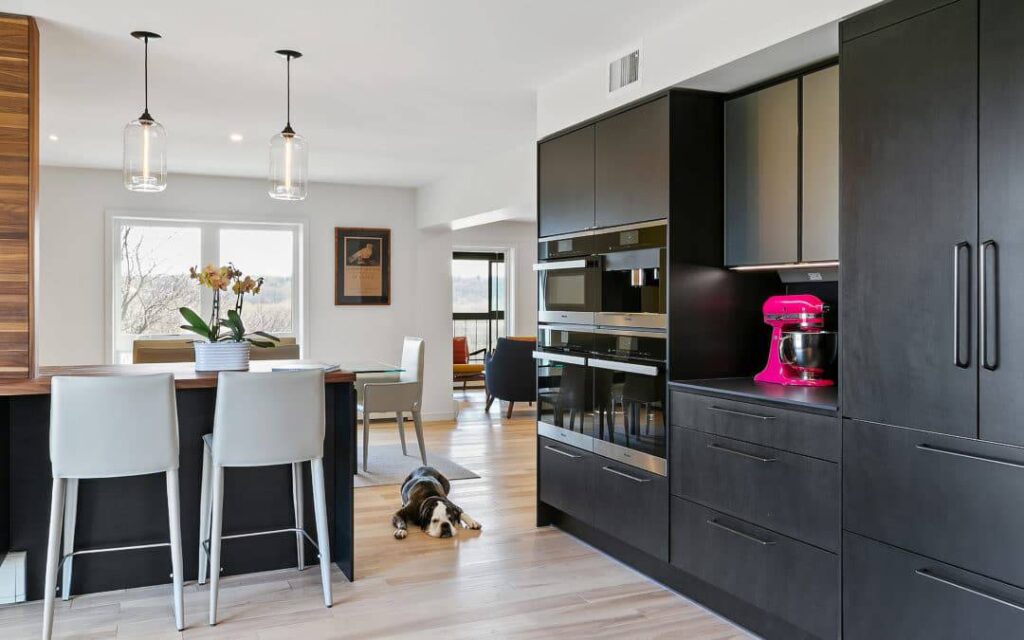
When designing a budget-friendly smart kitchen, prioritize the following features to maximize value:
1. Smart Lighting Solutions
Lighting is an easy, affordable way to add a smart touch to your kitchen. Smart LED bulbs and motion-activated lights are cost-effective upgrades that enhance energy efficiency and usability.
- Example: Wyze Smart Bulbs are dimmable and can be controlled via an app or voice assistants like Alexa.
2. Smart Plugs for Non-Smart Devices
Smart plugs allow you to turn any standard kitchen appliance into a smart device. These plugs can control coffee makers, kettles, and other gadgets via your smartphone.
- Example: TP-Link Kasa Smart Plugs are budget-friendly and offer scheduling features.
3. Smart Speakers with Virtual Assistants
Devices like Amazon Echo Dot or Google Nest Mini serve as the control hubs of your smart kitchen. Use them to set timers, create shopping lists, or control connected devices.
4. Affordable Smart Appliances
While high-end smart refrigerators and ovens are costly, there are budget-friendly small appliances with smart features, such as air fryers, coffee makers, or slow cookers.
- Example: Insignia Air Fryer with Alexa compatibility offers pre-set functions and voice control at an affordable price.
5. Food Storage and Inventory Management
Smart storage solutions or free apps can help you track food expiration dates, ensuring you use items before they spoil.
- Example: Apps like Out of Milk or Pantry Check sync with smart assistants to keep your kitchen organized.
Step-by-Step Guide to Creating a Budget-Friendly Smart Kitchen
Step 1: Assess Your Needs and Priorities
Before diving into purchases, evaluate which smart features would benefit you most. Are you looking to save energy? Automate tasks? Enhance convenience?
Key Questions to Consider:
- Do you need hands-free control for cooking?
- Are you looking to manage food inventory better?
- Do you want to save on electricity or water usage?
Prioritize gadgets that address your most immediate needs first.
Step 2: Plan Your Budget
Set a clear budget for your smart kitchen upgrades. Allocate funds based on priority areas:
- $50–$100: Start with basics like smart plugs and bulbs.
- $100–$300: Add a smart speaker and a small smart appliance.
- $300+: Incorporate mid-range devices like air fryers or motion sensors.
Planning ahead ensures you don’t overspend while gradually building your setup.
Step 3: Start with Entry-Level Smart Devices
1. Smart Lighting
Install smart bulbs in your kitchen for an immediate upgrade. Choose energy-efficient LEDs that can be controlled via apps or schedules.
- Product Example: Wyze Smart Bulbs cost as little as $10 per bulb and offer voice integration.
2. Smart Plugs
Control non-smart appliances with smart plugs, which let you schedule, turn off, or remotely manage devices through your phone.
- Product Example: TP-Link Kasa Smart Plugs are reliable and affordable at $15–$25.
3. Smart Speaker/Voice Assistant
Devices like the Amazon Echo Dot serve as the central hub of your smart kitchen, controlling multiple devices with voice commands.
- Price: $40–$50.
Step 4: Upgrade Gradually with Small Smart Appliances
1. Air Fryers
Affordable smart air fryers allow you to set cooking times and monitor progress via your smartphone.
- Product Example: Insignia Smart Air Fryer costs under $100 and integrates with Alexa.
2. Coffee Makers
Smart coffee makers can be programmed to brew coffee automatically at your preferred time.
- Product Example: Atomi Smart Coffee Maker is priced around $80–$100.
3. Slow Cookers
Set cooking times remotely and monitor your meals from anywhere with Wi-Fi-enabled slow cookers.
- Product Example: Crock-Pot Smart Slow Cooker costs around $120.
Step 5: Use Apps for Food Inventory Management
Food storage and inventory apps are free or low-cost alternatives to smart refrigerators. Apps like Out of Milk or Pantry Check sync with voice assistants and help you manage groceries and reduce food waste.
Recommended Affordable Gadgets
Here are some budget-friendly gadgets for your smart kitchen setup:
1. Wyze Smart Bulbs
- Price: $10–$20 each.
- Features: Voice and app control, dimmable, energy-saving.
2. TP-Link Kasa Smart Plugs
- Price: $15–$25.
- Features: Schedule devices, control via app or voice assistant.
3. Amazon Echo Dot (4th Gen)
- Price: $40–$50.
- Features: Voice assistant, timers, music, recipe guidance.
4. Insignia Air Fryer with Alexa
- Price: $80–$100.
- Features: Voice control, pre-programmed cooking options.
5. Atomi Smart Coffee Maker
- Price: $80–$100.
- Features: App control, programmable brewing.
Tips for Staying Within Budget
1. Leverage Discounts and Sales
Shop during Black Friday, Cyber Monday, or Prime Day to get significant discounts on smart devices.
2. Start Small
Begin with basic upgrades like smart bulbs and plugs before investing in larger appliances.
3. DIY Installation
Most smart devices are easy to install yourself, saving money on professional installation fees.
4. Use Free Apps
Save money by using free apps for inventory tracking, recipes, and energy monitoring.
5. Look for Multifunctional Devices
Choose gadgets with multiple functions. For example, a smart speaker can act as a timer, shopping list organizer, and music player.
Benefits of a Budget-Friendly Smart Kitchen
1. Cost Savings
- Energy-efficient devices like LED bulbs and motion sensors reduce electricity bills.
- Inventory tracking apps minimize food waste.
2. Convenience
- Automate repetitive tasks like turning on appliances or lights.
- Voice assistants simplify multitasking while cooking.
3. Scalability
- Budget-friendly setups allow gradual upgrades, growing into a fully integrated smart kitchen over time.
4. Eco-Friendly Options
- Use energy-saving gadgets and smart plugs to reduce your carbon footprint.
Conclusion
Creating a budget-friendly smart kitchen setup is easier than you think. By starting small with essentials like smart plugs, bulbs, and speakers, you can enjoy the benefits of a modern kitchen without overspending. Gradual upgrades, free apps, and multifunctional devices make it possible to build a functional, energy-efficient, and connected kitchen tailored to your needs. With the right approach, you’ll transform your kitchen into a smart, convenient space without breaking the bank.